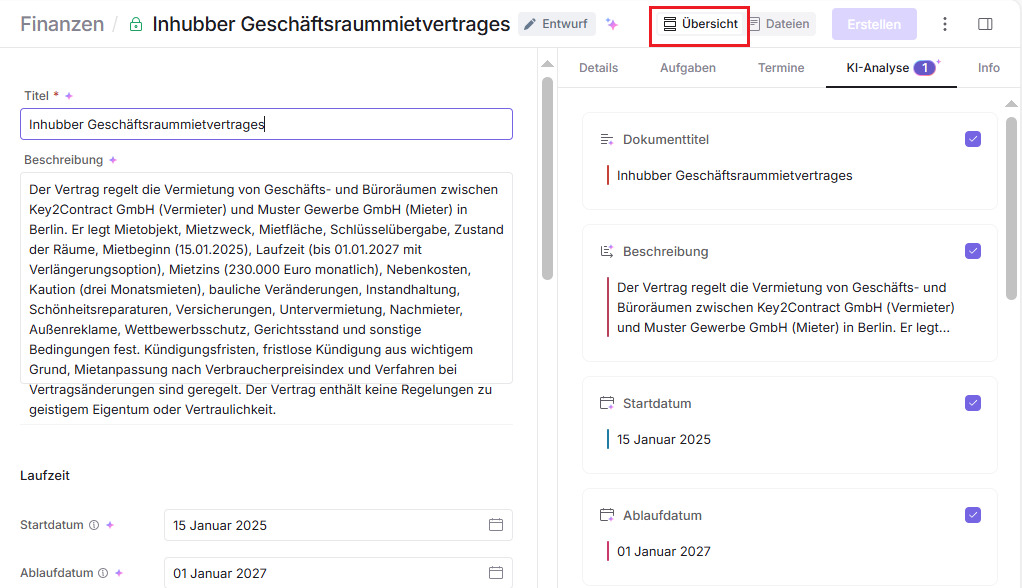
After you’ve added files using Smart Import, you can start working with the results of the AI analysis.
Open the “AI analysis” tab on the right side of the document to view the results generated by the AI after analyzing the document.
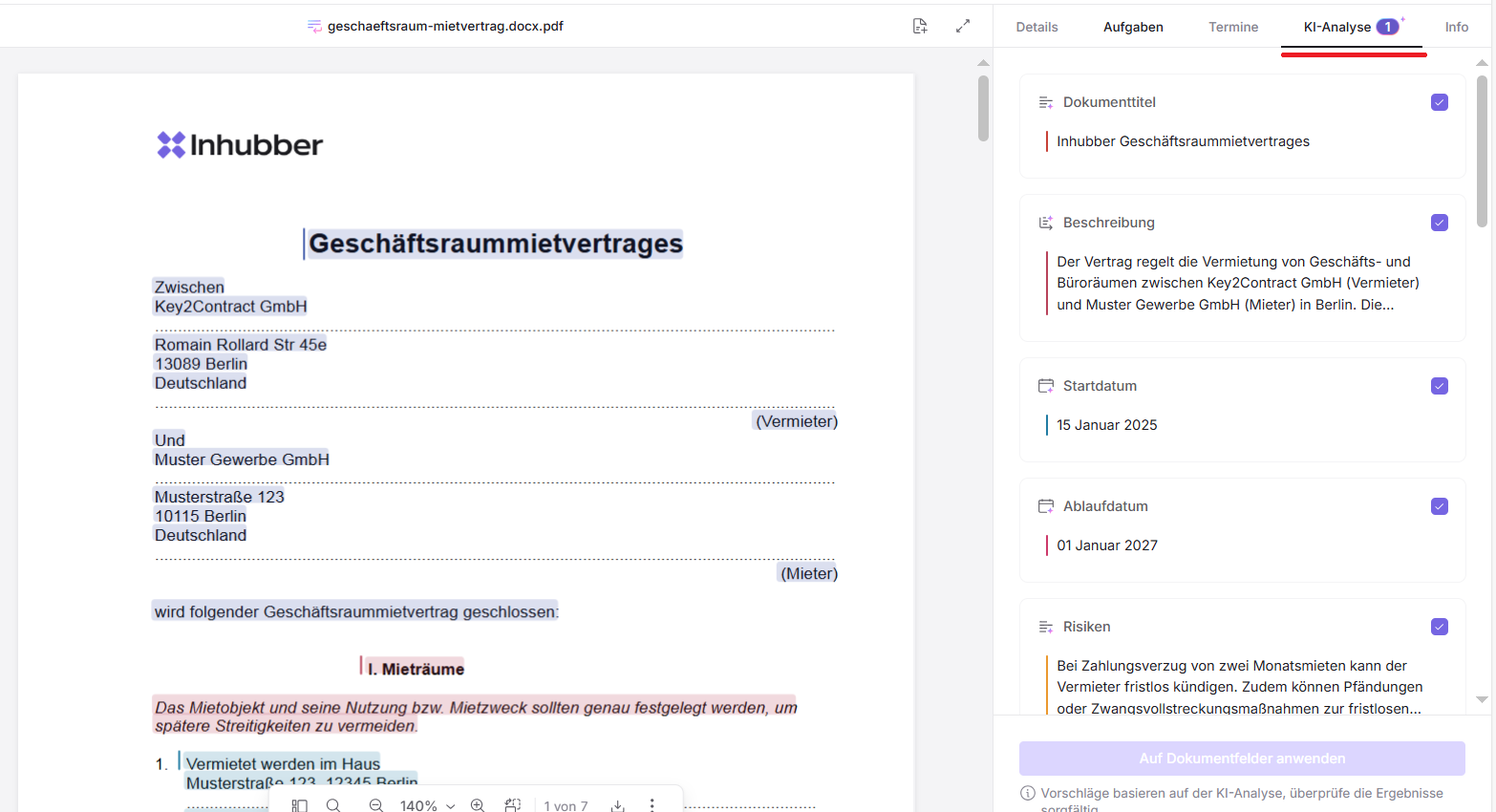
Review the results before adding them to the document. Once you’ve done this, click the “Apply to document fields” button to transfer the data into the document. You can return to the “AI analysis” tab at any time later to review the AI analysis results again.
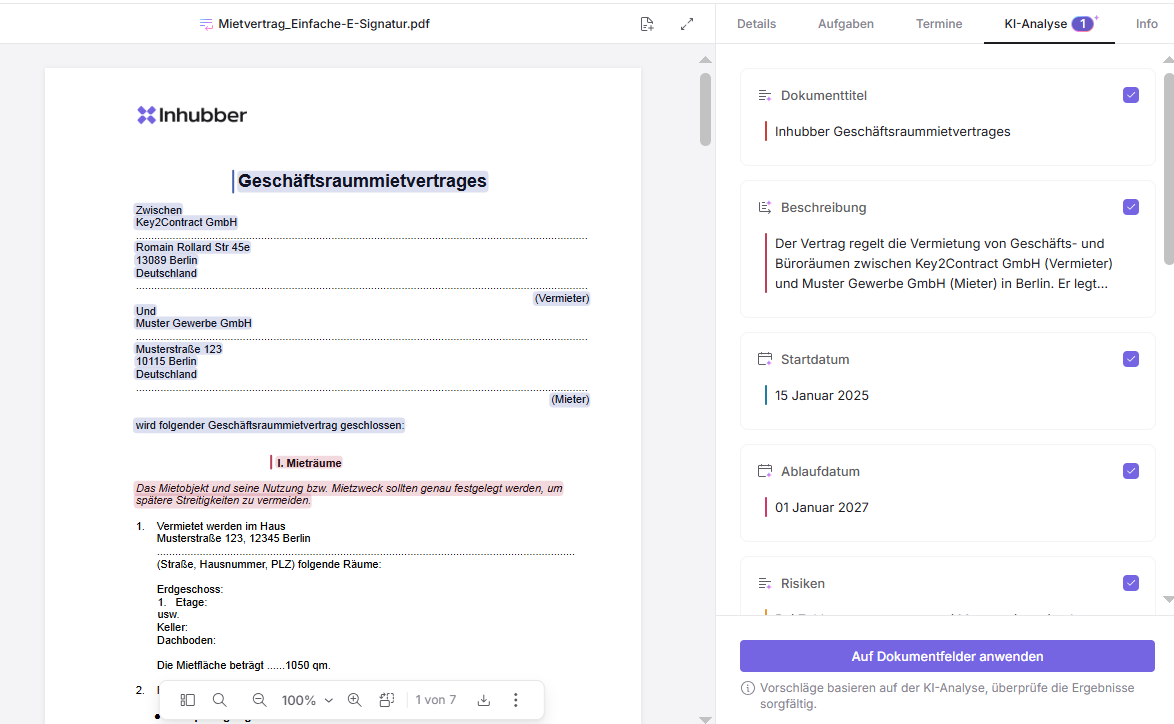
To view the data in the document, switch to the “Details” tab.