
As long as a document is in Draft status, it is only visible to the owner and to the people who have been invited to tasks within it.
If you’ve completed the initial creation of the document, i.e.
-
all required data fields have been filled in,
-
files have been added,
-
(if needed) people have been added, etc.,
you should move it to the next status (by default PENDING ). You can do this by clicking “Create” in the upper right corner:
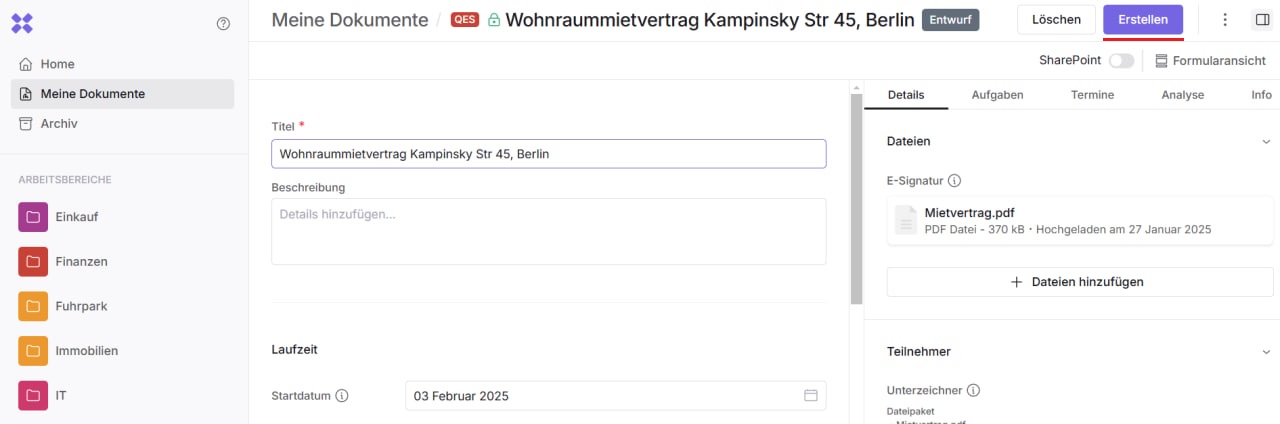
Only after publishing will the document and all related settings — such as invitations or deadlines — be activated. The document is now visible not only to you, but also to other colleagues who have access to your documents, as well as to the people directly invited to the document.