
Workspaces with folders are a powerful tool for organizing work for both large and small teams. They allow your team to optimally organize documents and assign folder and document permissions in a precise and efficient way to individual employees.
Workspaces are especially useful for organizing documents according to your company structure or departments.
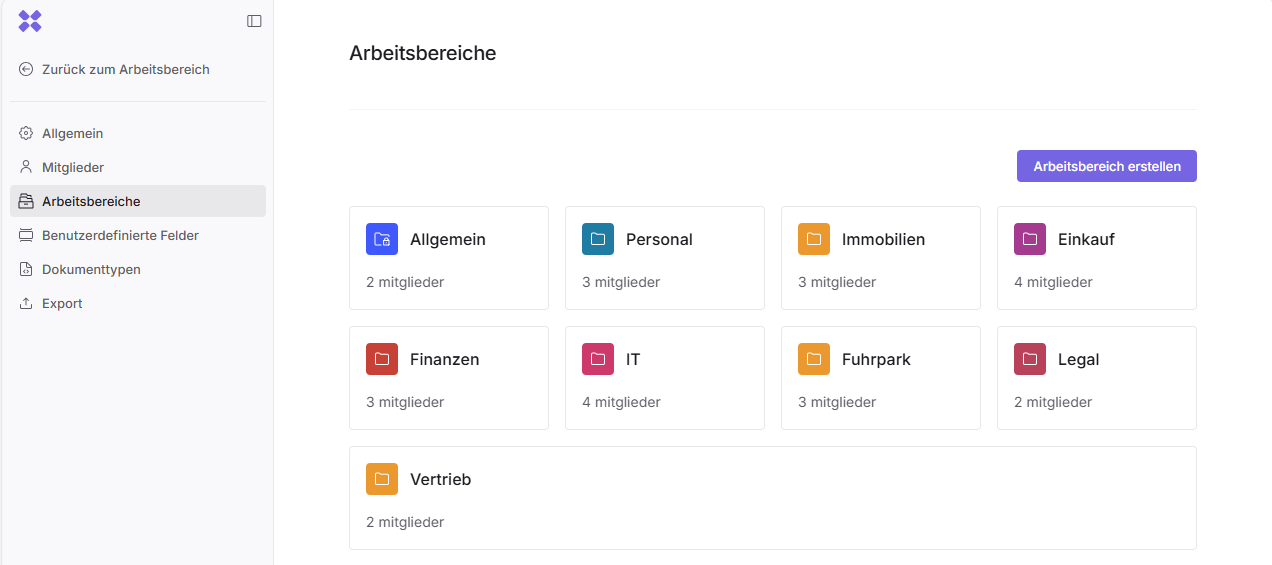
In this area, you can create workspaces, assign individual members to them, and define their roles within each workspace.
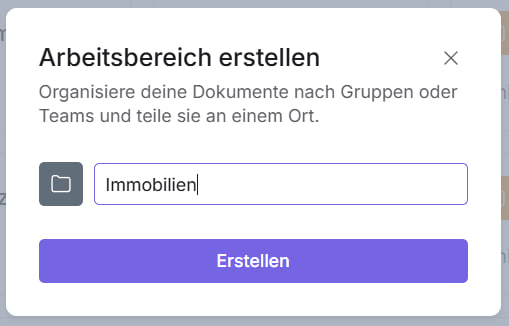
To create a workspace, click the “Create workspace” button. A dialog window will open where you need to enter the name of the workspace.
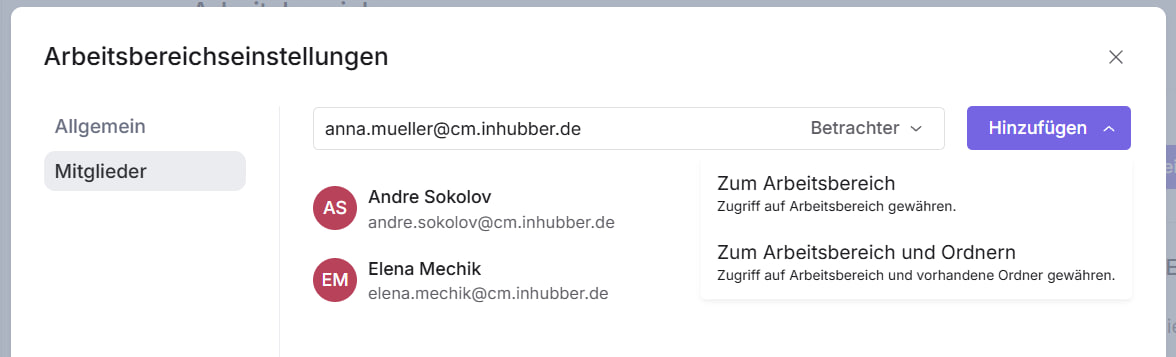
After creating the workspace, click on it to assign individual members and define their roles within the workspace. Company administrators are automatically added to every workspace.
After adding members to a workspace, you can change their roles or remove them by clicking the “Viewer” or “Maintainer” button.
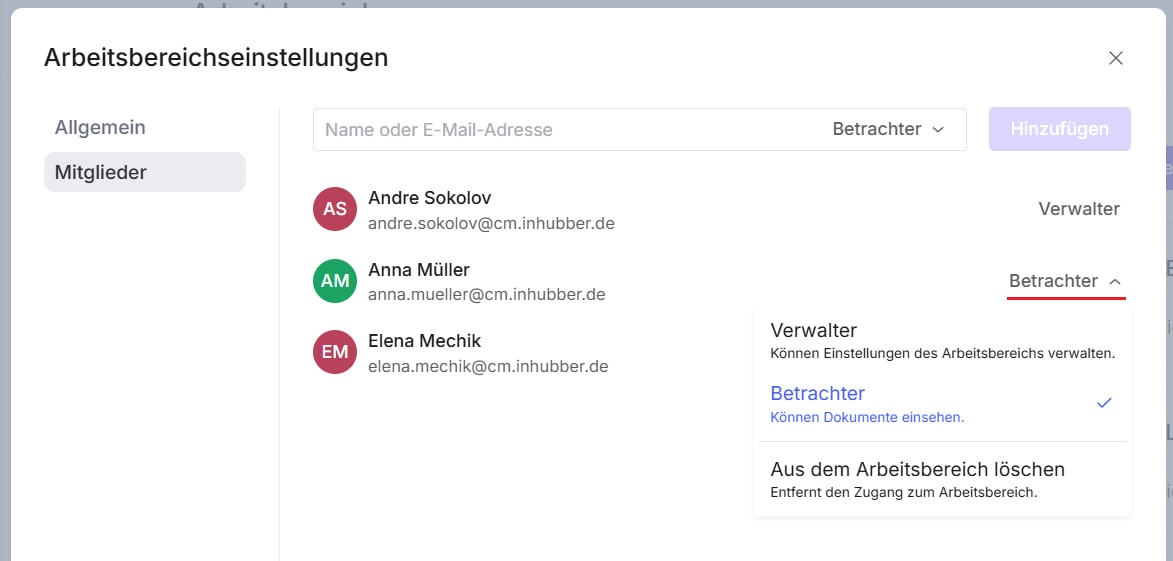
A member who has been assigned as a manager can also designate other managers.
Please note that the folder structure and access permissions for individual folders can only be managed directly through the workspaces.