
In this section, you will find all document types your company needs. If you have just registered in our system, only one document type is available at first – “Default”, which is empty by default.
At the moment, your admin must contact support (support@inhubber.com) to add additional document types.
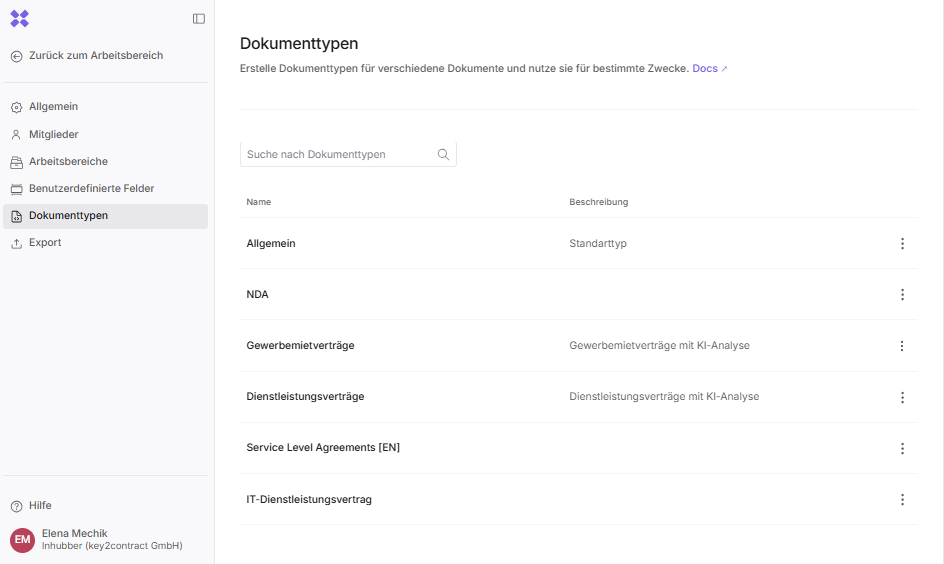
Once you have added the required document types, you can configure them in this section: change the title and description, and add a set of fields.
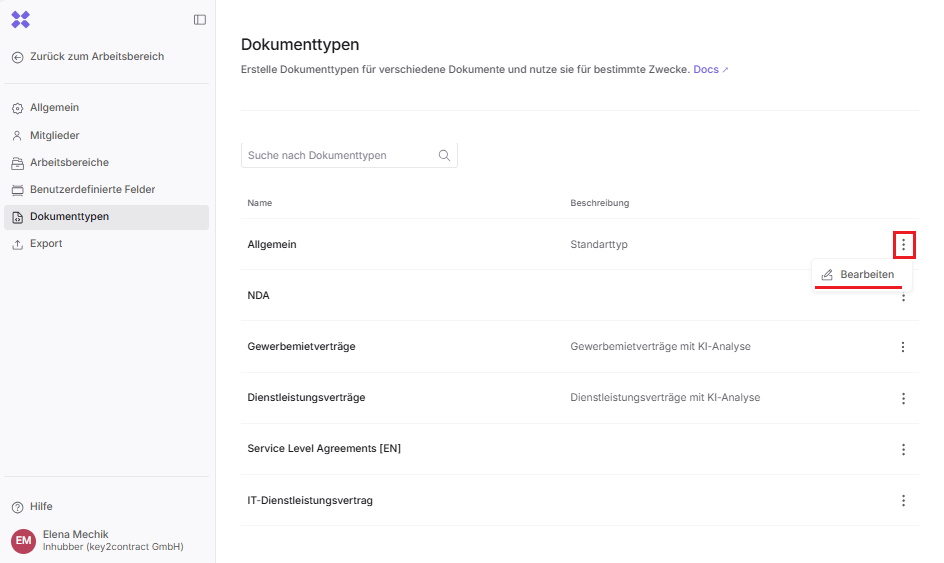
To do this, click on the three dots to the right of the desired document type and select “Edit”.
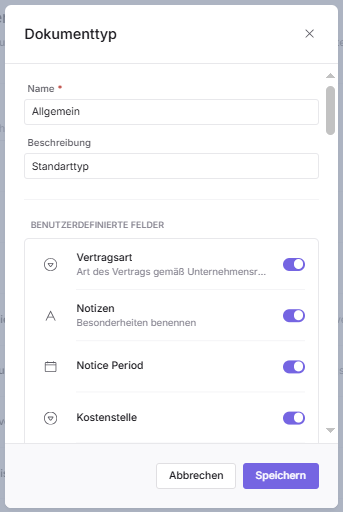
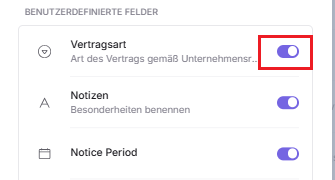
New document types do not contain any custom fields at first. To add fields, you need to activate the toggle switch to the right of the field name.
The fields in the document are displayed in the same order as they are arranged in the document type. To change the order of fields within the document type, hold down the left mouse button on a field and drag it to the desired position.
Please note that if you add a field to an existing document type that already contains documents, this field will appear retroactively in all existing and new documents.