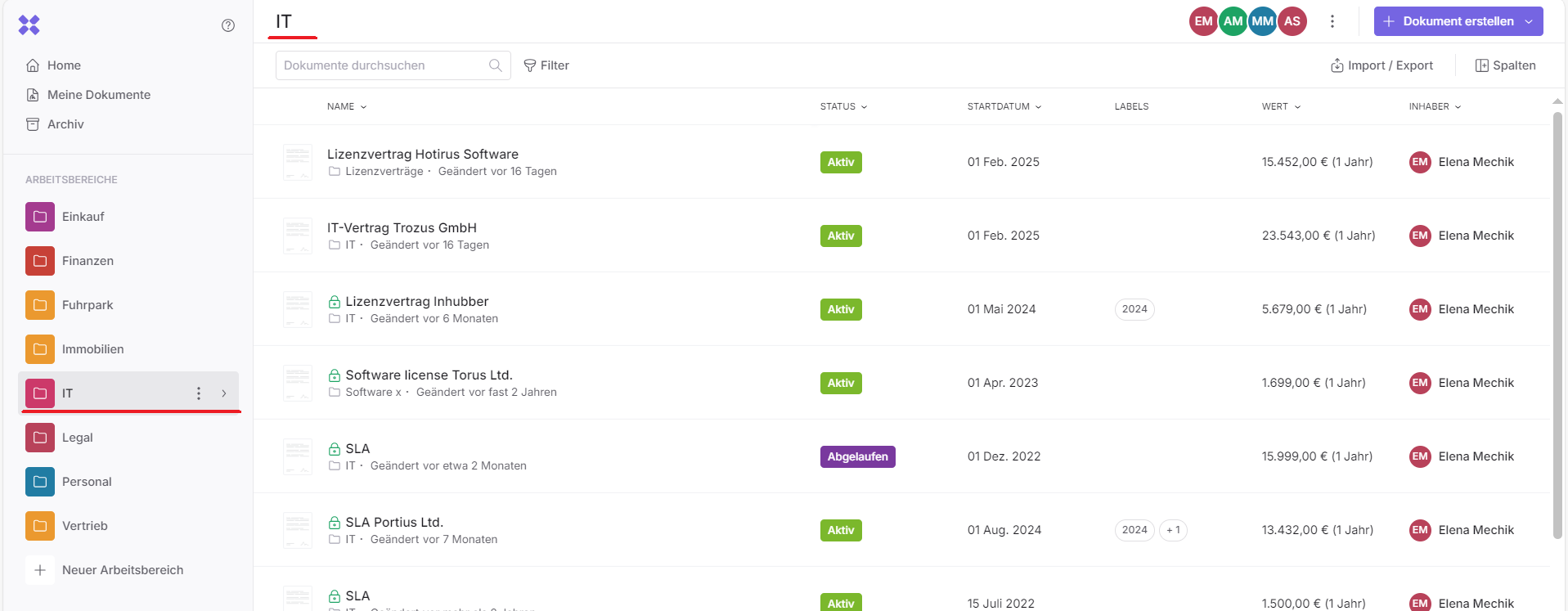
Workspaces with folders are a powerful tool for work organization for both large and small teams. Workspaces can be created by an admin.
With workspaces, your team can organize documents efficiently and assign folder and document permissions in a precise and flexible way to individual employees.
Workspaces are particularly useful for organizing documents according to your company structure or departments.
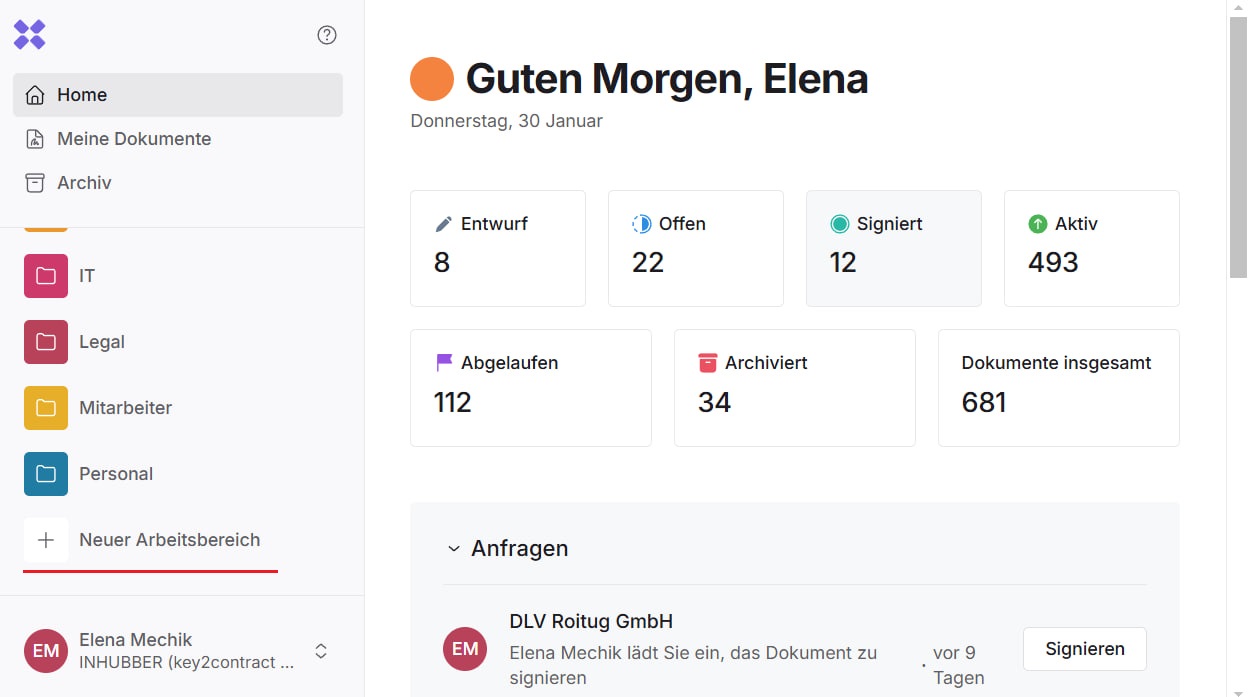
Workspaces can be created and managed either through the company settings or directly in the main area via the left sidebar:
A new workspace can be created by the admin by clicking on “New workspace.”
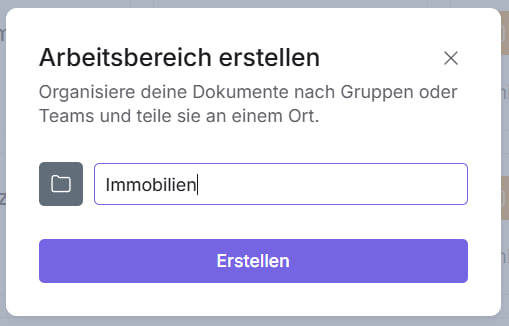
Then set the title of the workspace:
Within workspaces, folder as well as documents can be created or imported. Folders and subfolders can be created by maintainer and editor.
When you click on one of your workspaces, you will see all documents that are located directly in the workspace as well as in all associated folders and subfolders.