
With the export function, you can download all documents in the same structure (including folders and subfolders) as they are stored in your Inhubber account. Click the “Export” button.

Once the download link for the documents is ready, you will receive a notification by email.
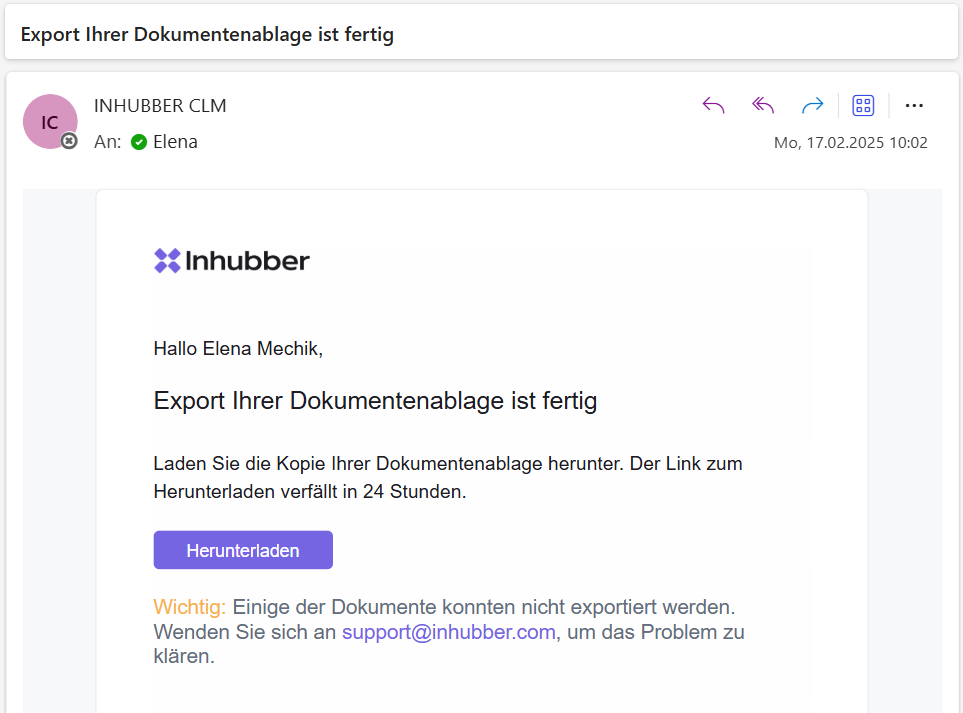
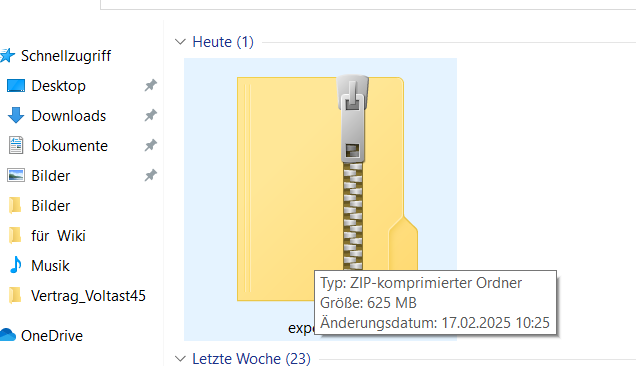
When you click “Download,” all documents will be downloaded as a ZIP file.
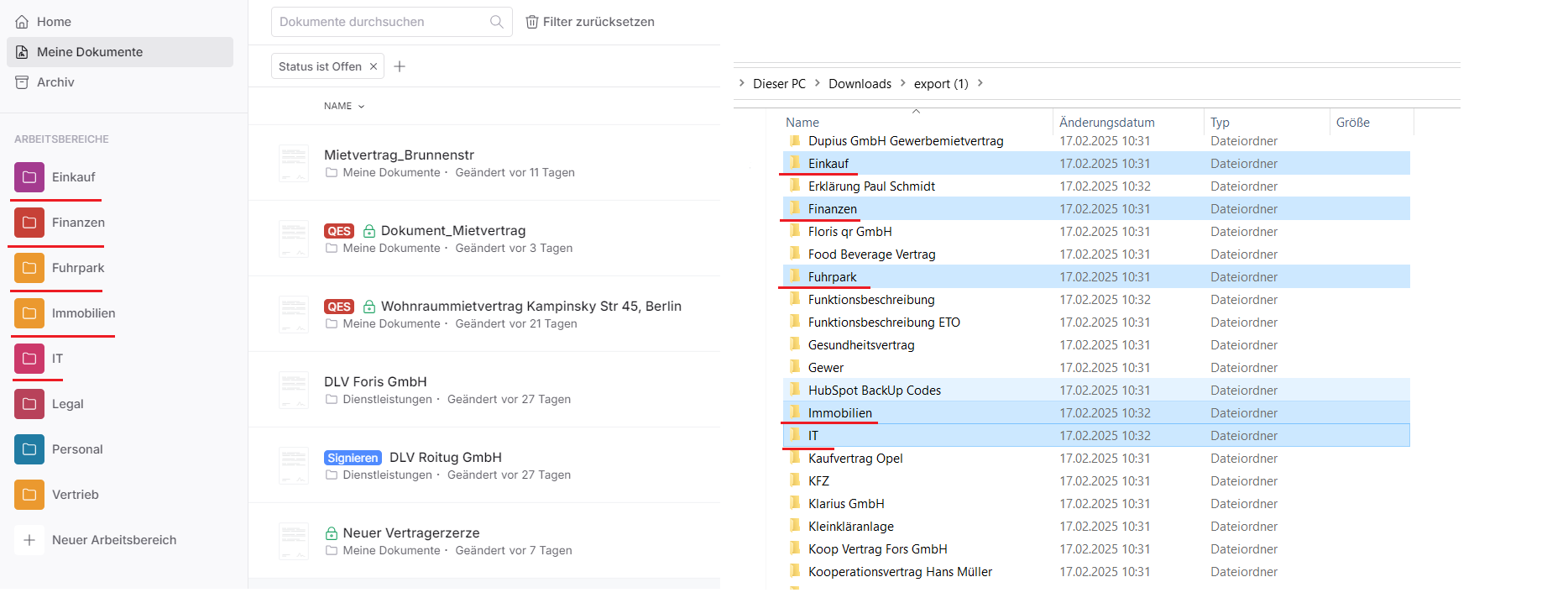
When you open the ZIP file, you will see both the workspace folders—containing all folders and subfolders of your workspace—and separate folders with individual documents that do not belong to any workspace.
If you don’t want to download all documents but only specific document metadata that meet certain criteria, you can use the document search and the export of document metadata in the “My documents” section.