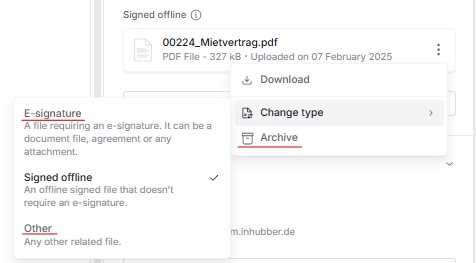
For documents with an eSignature in Draft status, files of any type can be added. Files that have already been added can also be changed to a different file type:
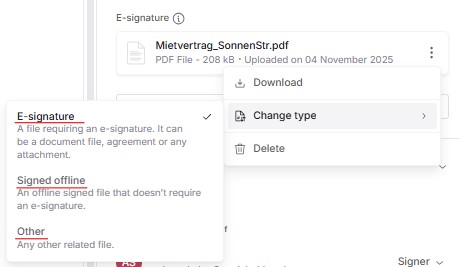
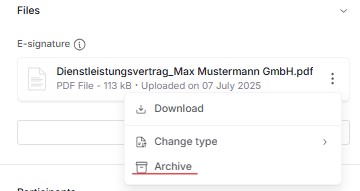
Files that have already been added can be deleted when the document is in “Draft” status or archived when the document is in “ Pending” status:
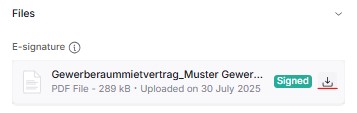
In all other document statuses, a file that was created as “E-signed” and has already been signed can only be downloaded:
When the document is in Archived status, all file types can only be downloaded:
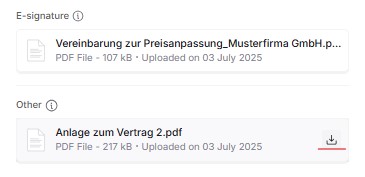
In Signed, Active, or Expired status, files of the types “Offline signed” and “Other” can either be downloaded or have their type changed: