
Admin can define custom fields in this section. For these fields to appear later in the document, you need to manually add the corresponding fields in the document type management area:
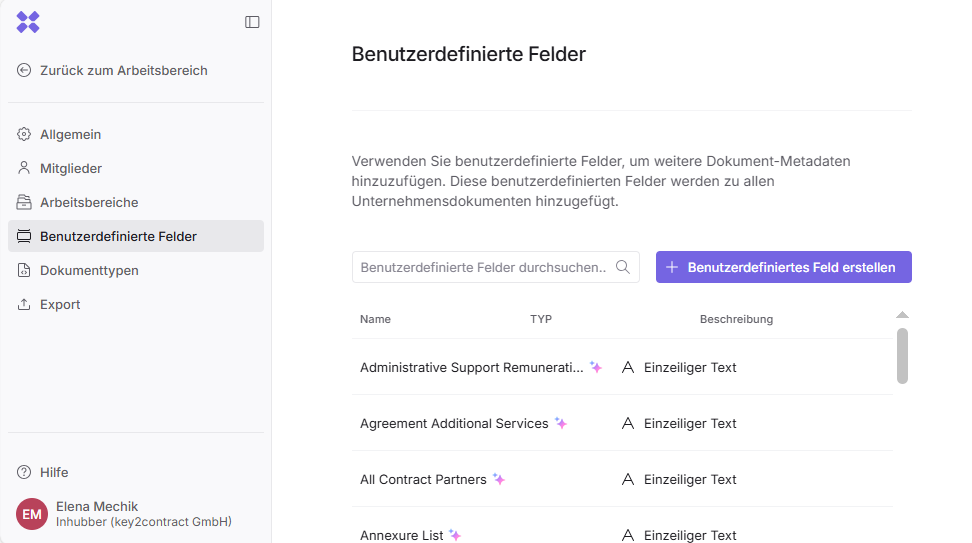
All company-wide fields are displayed here.
Smart fields (e.g., for Smart Import) are marked with a purple icon. Smart fields are only available if AI-powered document analysis is activated for your company.

If you need smart fields for AI analysis (Smart Import), please contact support@inhubber.com
You can create a new field by clicking on

Here, you can define the types of the corresponding fields and choose from the following field types:
-
Single-line text
-
Long text
-
Single selection
-
Date
-
Number
-
Payment
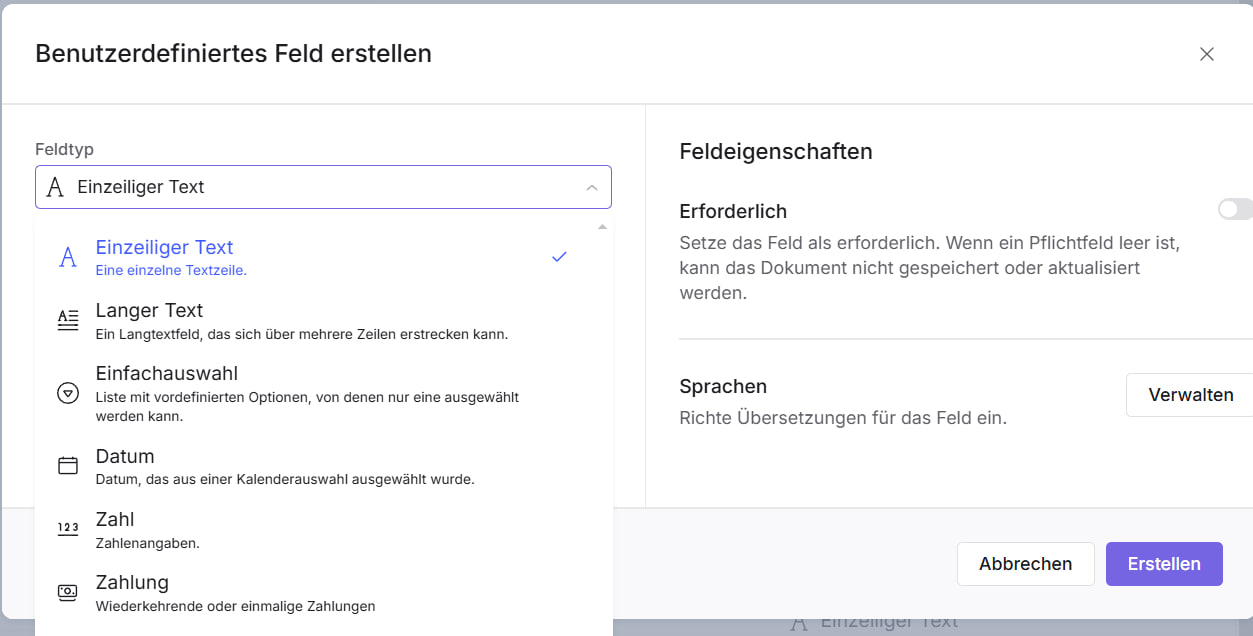
You can also specify whether a field is mandatory by setting it to “Required.”
Please note that members must fill in all required fields in every document; otherwise, the document cannot be created.
Using the “Languages” option, you can define the newly added fields in multiple languages right away:
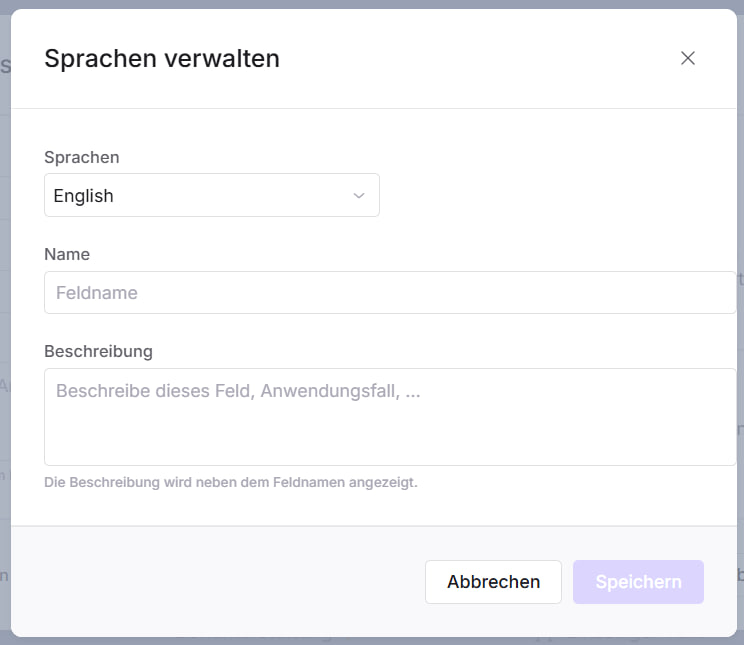
This ensures that the field names appear in both the document table view and the document details in the language the respective user has selected for their interface.