
The import function is used to upload a large number of documents to Inhubber at once.
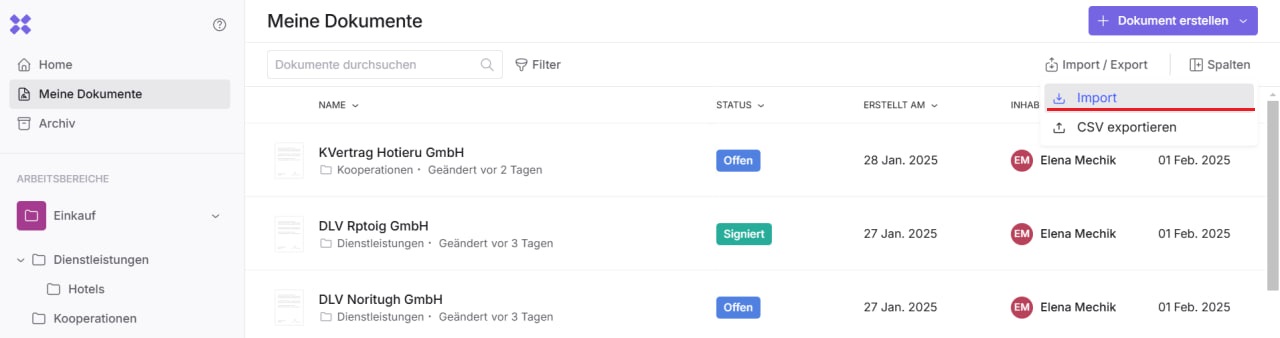
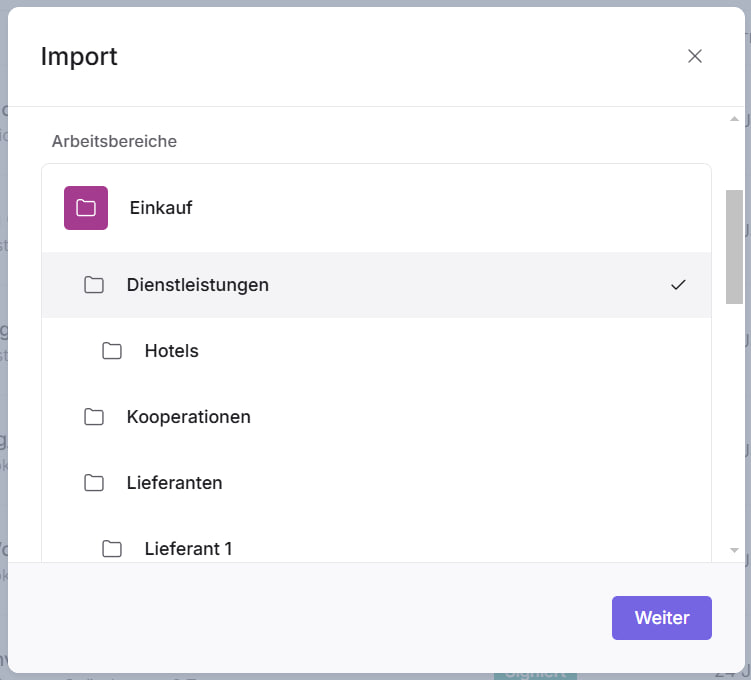
To use the import function, first click “Import” and then select the workspace or folder where you want to upload the documents.
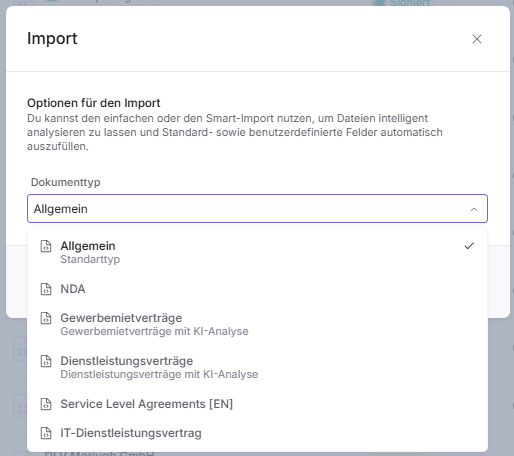
In the next step, select the document type to which your uploaded document should be assigned.
Next, see Basic Import.
If your company has enabled AI analysis for you and you have selected an AI document type, you can choose between the following options: