Invitation
Learn how to invite people to sign using the simple electronic signature on Inhubber here.
Signing
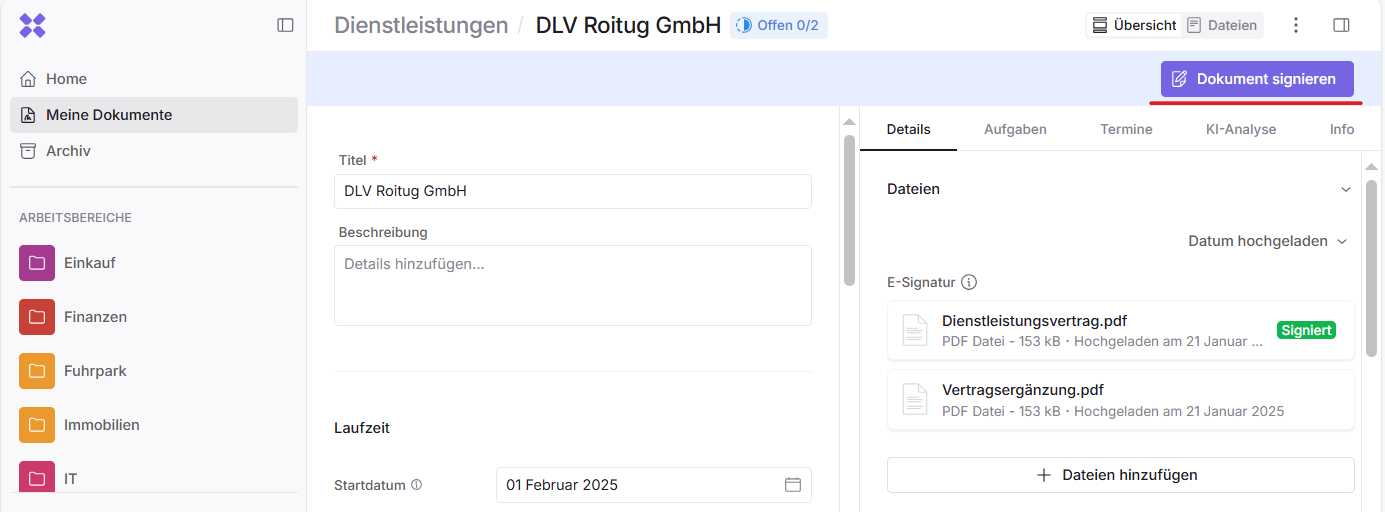
To sign a document using Inhubber’s simple electronic signature, click “Sign document” in the upper right corner:
You now need to confirm that you have read and understood the document and that you actively wish to sign it:
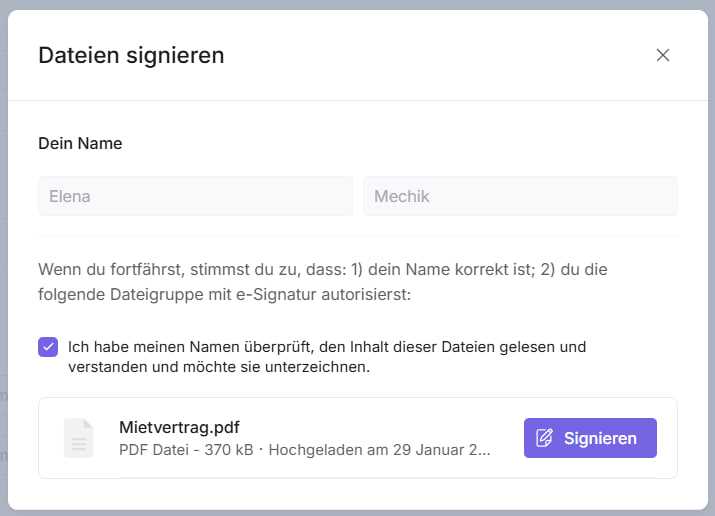
If you want to review the contents of a file before signing, click on the respective file. Otherwise, you can sign each file individually by clicking “Sign”.
Signature evidence
The SES signature is a blockchain-based signature that can be used to sign any type of file.
The signature data can be viewed and verified in two ways:
-
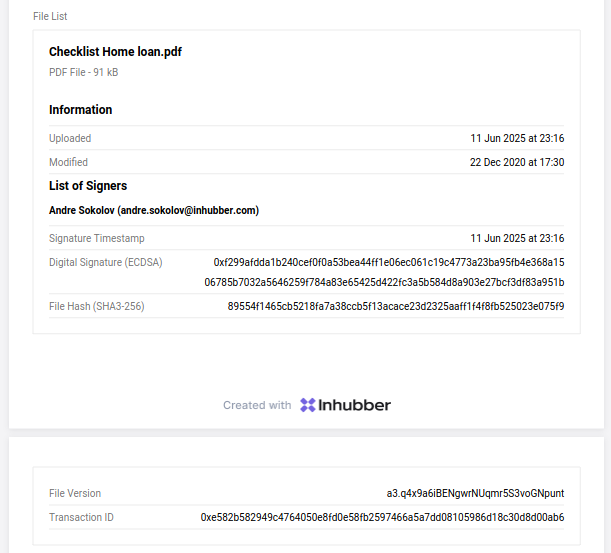
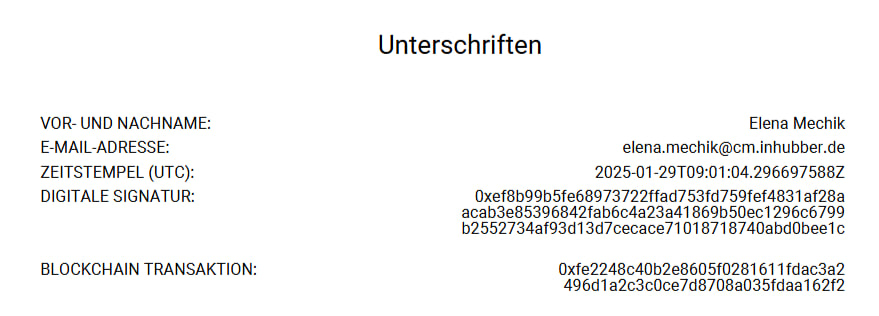
for all signed PDF files, one or more signature pages are appended at the end of the file, each containing a signature stamp for every signer:
-
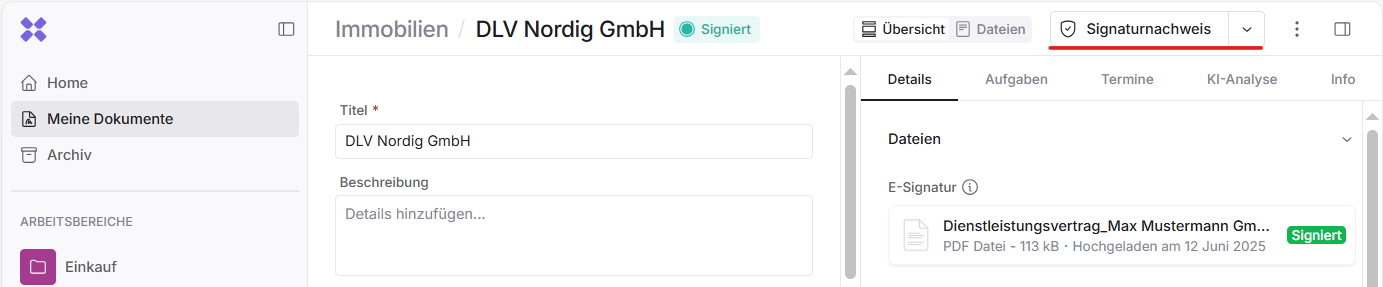
once all invited signers have signed the entire document, you can view the signature evidence containing the list of signers and the signed files: