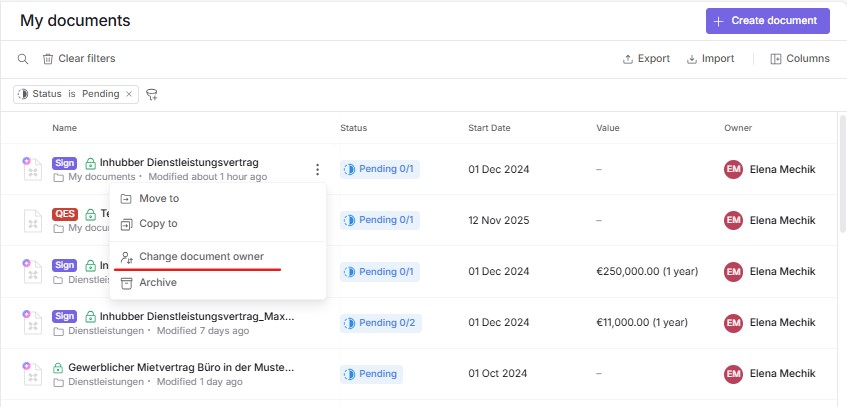
If the document owner (the person who created the document) wants to transfer ownership to another person, there are two ways to do it. In the document list, you can click the three dots next to the document name and select “Change document owner”.
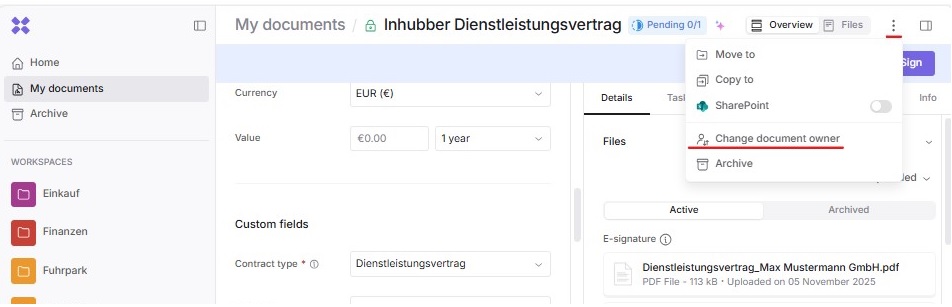
If the document is already open, you will also find three dots in the upper-right corner. By clicking on them, you’ll open the same menu, where you can select “Change document owner”.
In the dialog window that opens, a list of company members appears to whom you can transfer ownership of the document. Select a person and click the “Make owner” button next to the corresponding member.
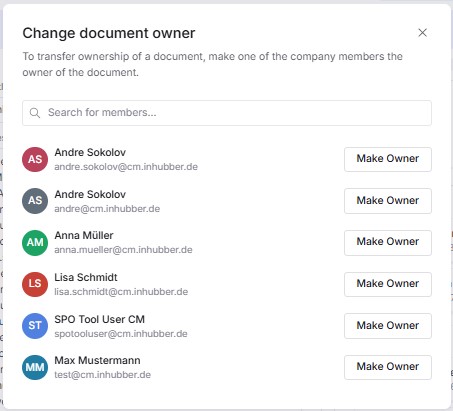
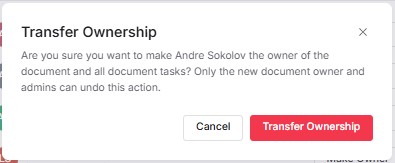
In the dialog window that opens, a list of company members appears to whom you can transfer ownership of the document. Select a person and click the “Transfer Ownership” button next to the corresponding member.
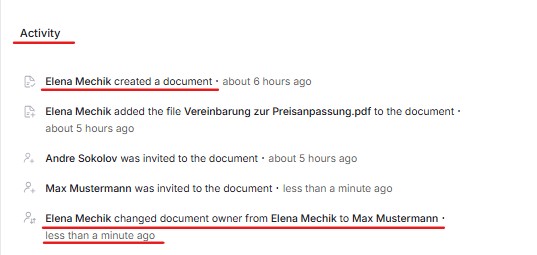
At the bottom of the document, in the “Process” section, you can see who created the document and to whom the ownership has been transferred.