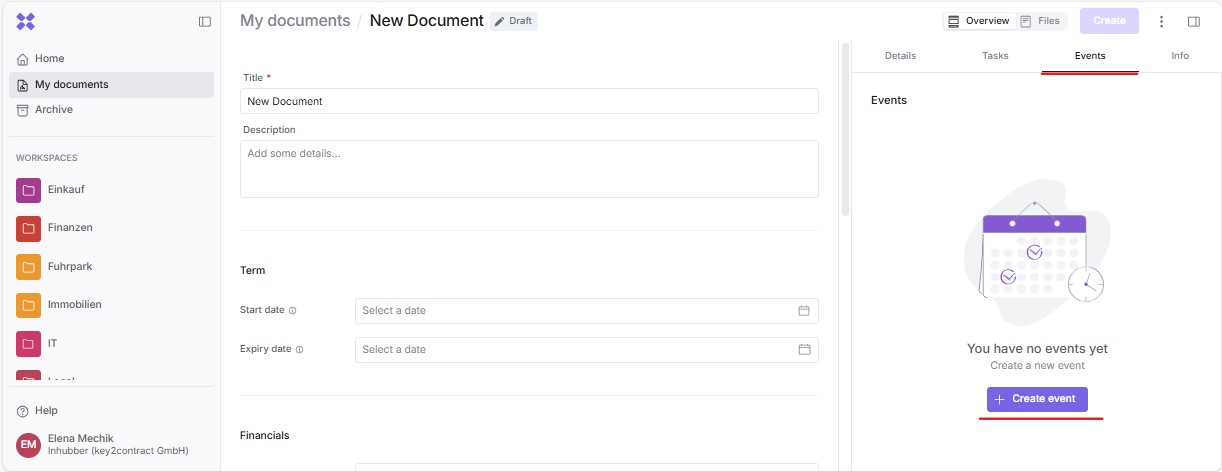
In the Events section, you can set document-related appointments and reminders by clicking “Create event”:
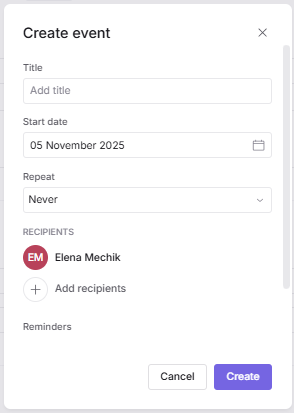
Einen Termin erstellst du, indem du einen Titel für den Termin und ein Stichdatum (“Anfangsdatum“) eingibst:
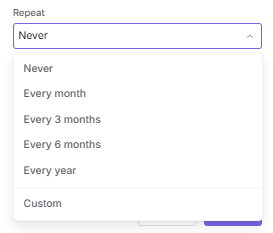
Here you can also specify, if desired, how often the event should repeat:
Additionally, you can set up reminders and define the list of recipients for them. You can add multiple reminders for several days, weeks, or months before or after the reference date. After that, you and all other recipients will automatically be notified by email about the upcoming event.
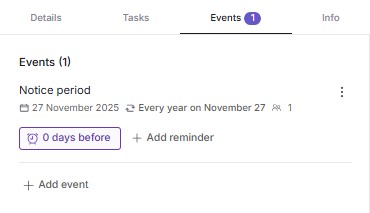
All configured events and their corresponding reminders will now appear in the “Events” section:
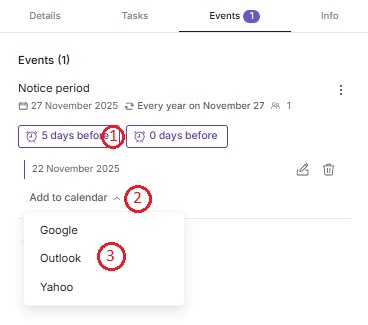
If you’d like to add the reminder to your own calendar, you can do so by first expanding the reminder, then clicking “Add to calendar”, and finally selecting your calendar provider (for example, “Outlook”):
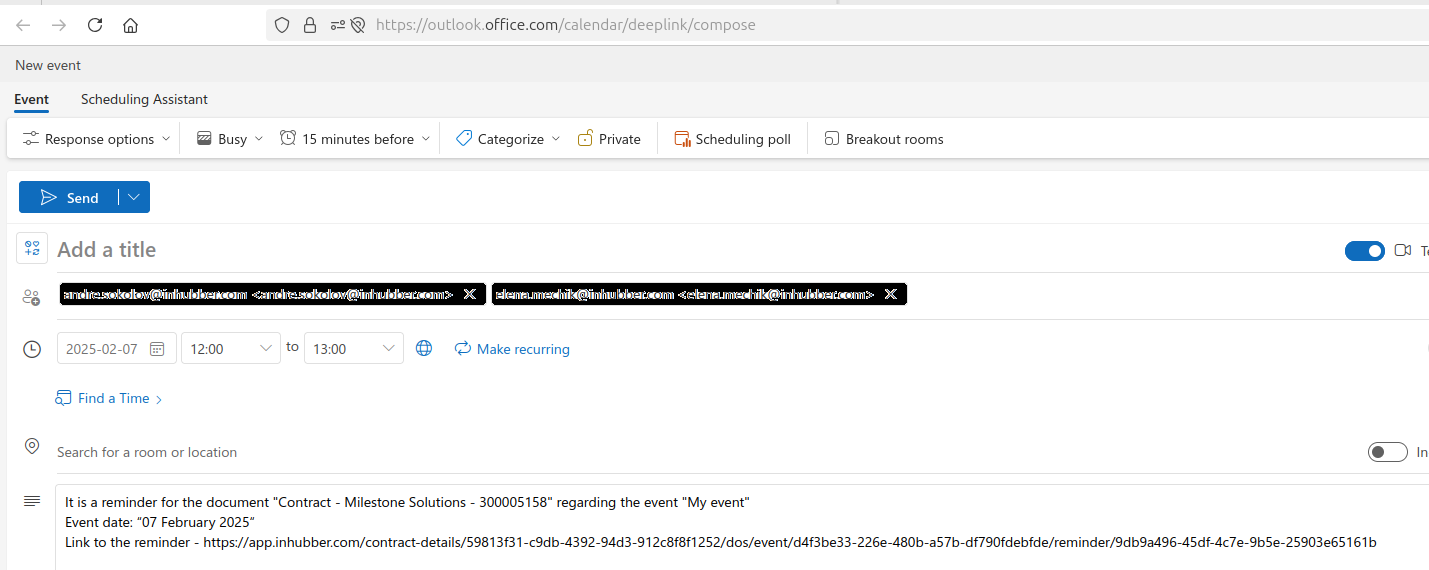
As a result, your calendar will open with the event entry and a link to the document: